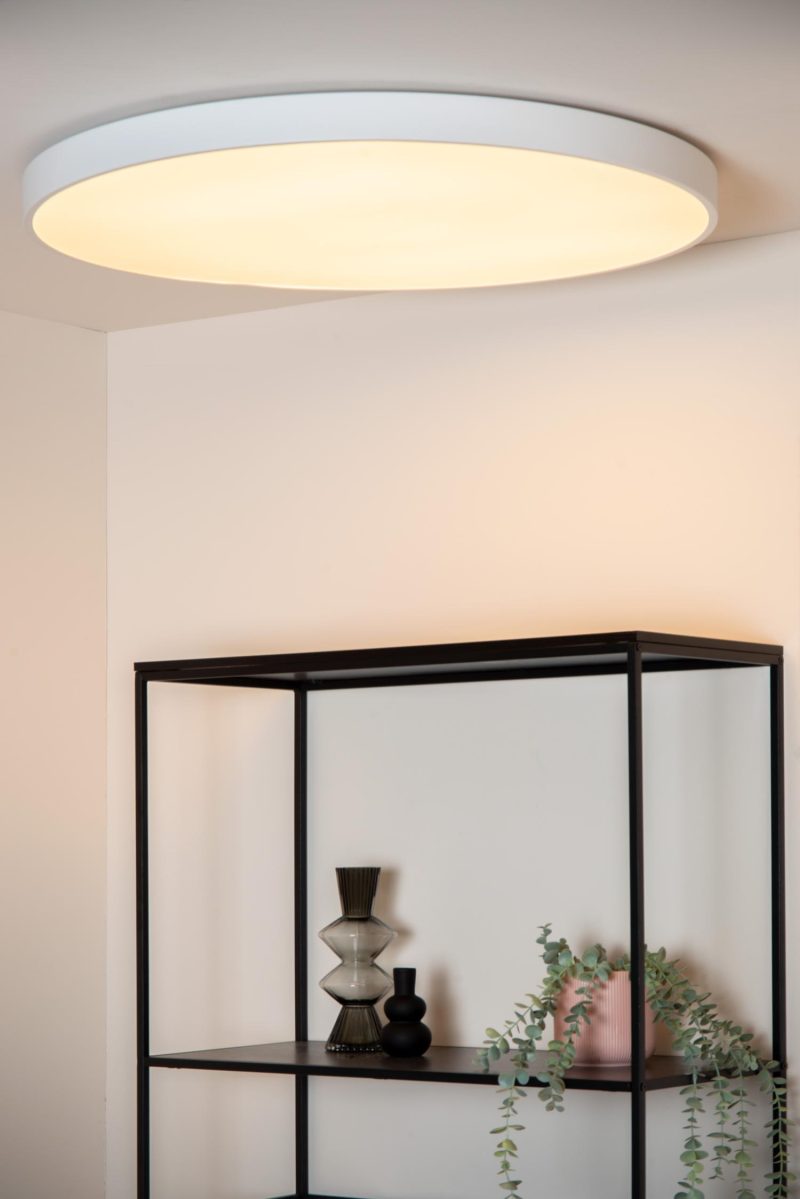
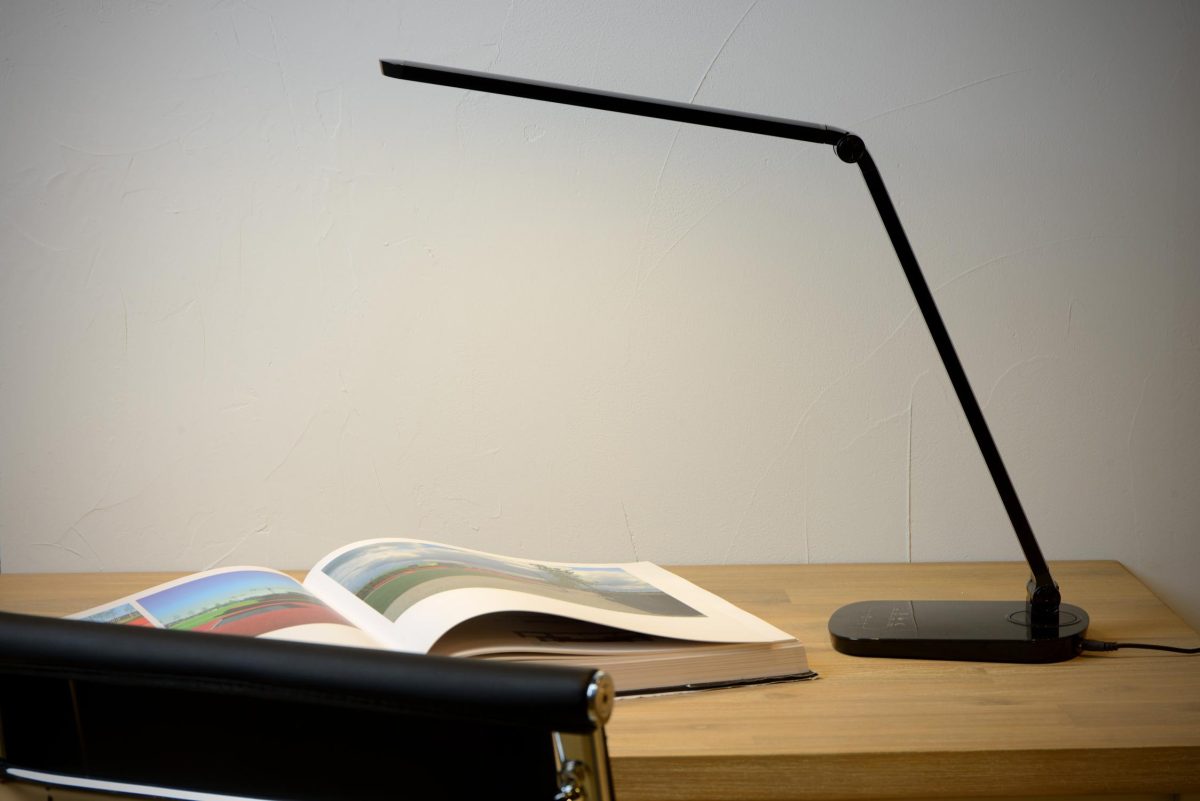
For reading, writing and screen work, the European standard for workplaces, NBN EN 12464-1, asks for 500 lux on the work surface, a glare rating (UGR) of at most 19 and a colour rendering of at least Ra 80. That standard was written for workplaces at an employer, not for your home, but it is a good yardstick for a home office. You meet it most easily with an adjustable desk lamp next to the screen, general light in the room so that the walls are not dark, and daylight from the side.
How much light do you need at a desk?
Allow 500 lux on the part of the desk where you read, write and type. Lux is the amount of light falling on a surface. Those 500 lux come from EN 12464-1, the European standard for lighting of indoor workplaces; in Belgium it is called NBN EN 12464-1, in the Netherlands NEN-EN 12464-1. Licht.de, the information platform of the German lighting industry, sums up the core of that standard for offices as 500 lux and UGR 19, and adds that good lighting cannot be reduced to those two numbers.
Important to know: the standard was written for workplaces. In Belgium, the wellbeing at work regulations refer to it: an employer who applies NBN EN 12464-1 is presumed to comply with the rules on lighting of workplaces. For a desk at home there is no obligation, but anyone who works there for hours every day has the same eyes as at the office.
When do you need more than 500 lux?
The 2021 version allows the illuminance to be increased with so-called context modifiers: if the task lasts a long time, if details are small or low in contrast, if there is little daylight, or if the user’s eyesight is poorer. With one or two of those reasons you go one step higher, with more than two, two steps. From 500 lux the next step is 750, then 1000 lux. Licht.de also points out that the need for light increases with age; someone of 60 needs about twice as much light for the same task as someone of 20.
What about the rest of the room?
A brightly lit desk in a dark room tires the eyes, because your gaze keeps jumping between light and dark. The standard therefore also asks for light on walls and ceiling. In the calculation example from licht.de for an office, the 500 lux on the desk is accompanied by 150 lux on the walls. At home that means: never work with only a desk lamp; also keep the general light or a few lamps in the room on.
What is glare (UGR) and how do you prevent it?
UGR, the Unified Glare Rating, is a number for how much discomfort the lights in your field of view cause. The lower it is, the less chance of glare. The standard uses the series 16, 19, 22, 25 and 28; for office work the maximum is 19. A UGR value belongs to a light fitting in a particular arrangement and you find it in the technical data of office lighting. At home you translate the principle into a simple rule: from your working position you do not see any light source.
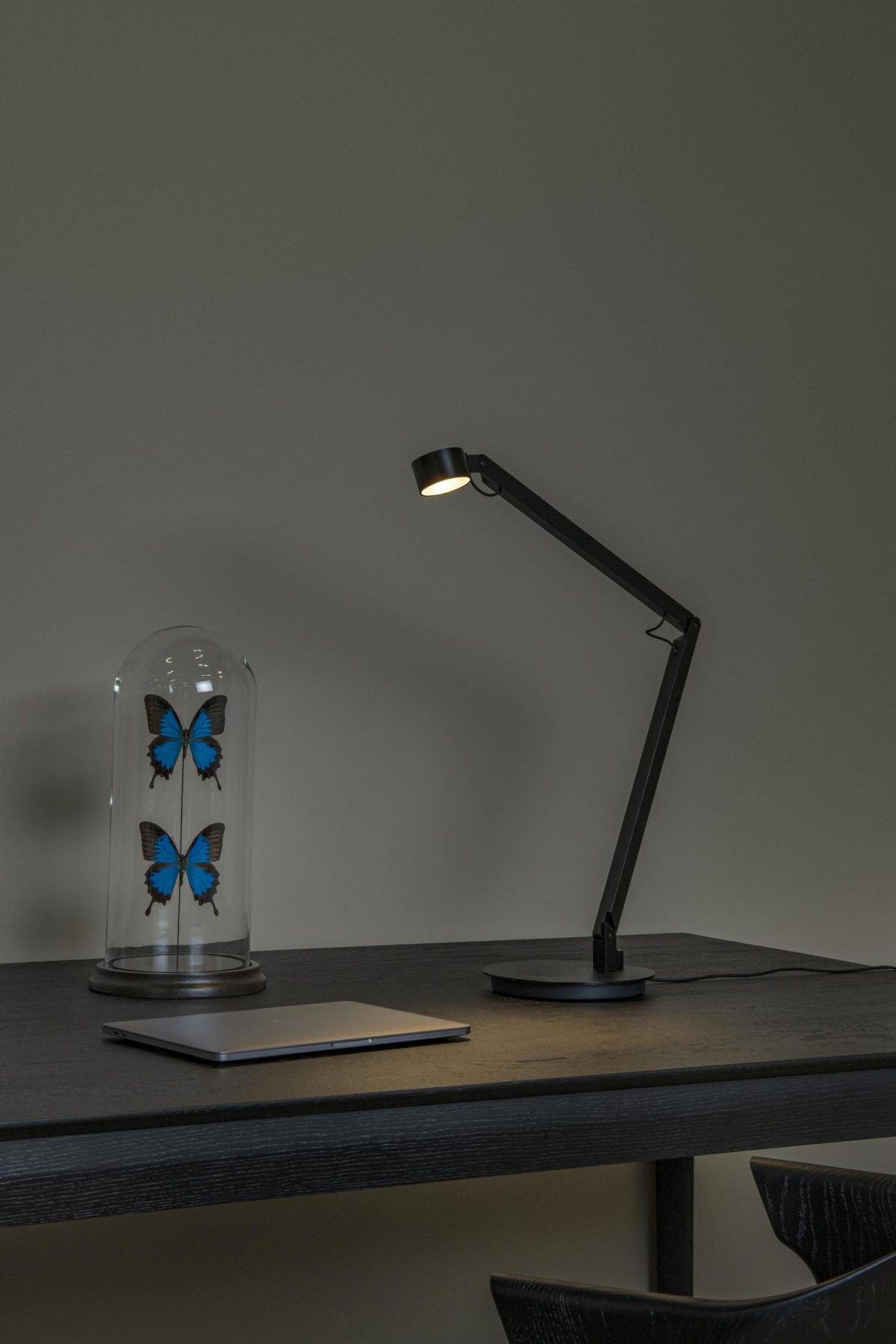
- Desk lamp: the head is below eye level and shines on the paper, not towards you. A bare LED or bulb at the edge of your field of view is distracting, even if you do not look straight into it.
- Ceiling light: not directly above or behind the screen, where you see it every time you glance up. A light with an opal diffuser or a louvre is better than an open shade.
- Window: not straight in front of you, behind the screen. With a bright window behind the screen, your eyes constantly switch between a lot of light and little light.
How do you prevent reflections in the screen?
Reflections come from light sources that are mirrored in the screen: a window behind you, a light behind or above your shoulder. The best arrangement places the desk at right angles to the window, so that daylight comes from the side. That is also the old advice for writing by hand, which licht.de repeats: for right-handers light from the left, for left-handers light from the right, otherwise you write in the shadow of your own hand.
Test it: switch the screen off, sit as you do when working, and look at what you see in the black glass. Every light or window you see there will cause a reflection during the day or in the evening. Move that light, turn the desk lamp away from the screen, or choose a screen with a matt finish.
Licht.de also warns against excessive contrasts. Working with only a bright screen in a dark room is the opposite of what your eyes need. Keep the room light enough that the screen is not the brightest spot.
Desk lamp or ceiling light: what do you need?
Both. The desk lamp provides the task light; the ceiling light or the lamps in the room make sure the walls are not dark. When choosing a desk lamp, a few things count:
- Adjustable: an arm or head you can adjust, so that the light falls on the paper and not on the screen.
- Dimmable: bright for paper, soft for screen work.
- Wide enough: a lamp with a small, hard pool of light lights one sheet; for a 120 cm desk a wider beam or a lamp with a longer head works better.
- Stable or fixed: a clamp lamp saves space on a narrow desk.
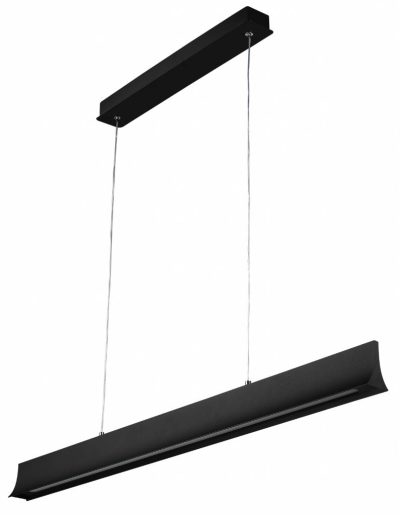
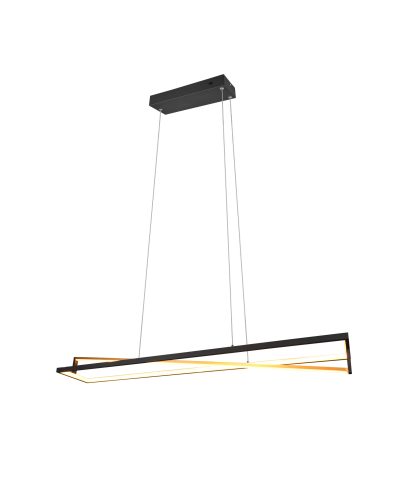
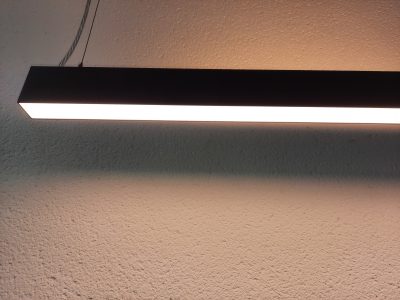
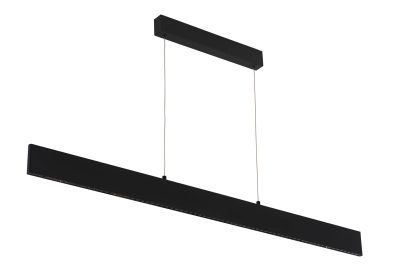
A long pendant light above the desk is an alternative for anyone with a fixed workstation. Hang it so that it does not come into your field of view when you look at the screen; in practice that is around 70 to 90 cm above the desktop, with a shielded light source. Lights that also shine upwards light the ceiling as well and make the room calmer.
Which colour temperature and colour rendering at the desk?
The standard asks for a colour rendering of at least Ra 80 at workplaces. For the colour temperature, 3000 to 4000 K is common: 4000 K looks fresher and brighter, 3000 K blends in better with the rest of a home. A desk lamp with adjustable colour temperature lets you work in neutral light during the day and in warmer light in the evening. Read more about kelvin in choosing a colour temperature, and about colour rendering in colour rendering explained.
Daylight remains the best source. In PLOS Biology, an international group of sleep and light researchers recommends getting at least 250 lux melanopic equivalent daylight illuminance at the eye during the day, preferably from daylight, and little light in the evening. So work close to the window during the day, and switch to dimmed, warm light after your working day. What that means in the evening is explained in bedroom lighting.
Flicker
Licht.de recommends limiting flicker and stroboscopic effects as early as the choice of light source. Since 2021, the European ecodesign regulation 2019/2020 has set limit values for flicker (Pst LM ≤ 1.0) and stroboscopic effect (SVM) of LED light sources at full power. When dimmed, things can be different; a suitable dimmer prevents problems. See dimming LED lamps.
How do you look good on a video call?
Different rules apply to a camera than to your own eyes. A window behind you turns your face into a silhouette, and a ceiling light directly above you gives dark eye sockets. Place the light in front of you, behind or next to the camera, at roughly face height, and keep it soft: a lamp with an opal shade or light bounced off a white wall. Daylight from the side also works, as long as it is not so bright that one half of your face disappears. A dimmable table lamp next to the screen, turned slightly towards you, solves it in most home offices; look among the table lamps for models with a diffuse shade.
Which mistakes do you see most often at a home workstation?
- Working with only the screen in a dark room.
- The desk with the screen in front of the window, or the window right behind you.
- A desk lamp that shines into your eyes or onto the screen instead of onto the desktop.
- Light from the wrong side, so that you write in the shadow of your own hand.
- A lamp with a small, hard pool of light on a wide desk.
- A ceiling light that is reflected in the screen.
Desk lamps with an adjustable arm or head
View allTo aim at the work surface, most of them dimmable.
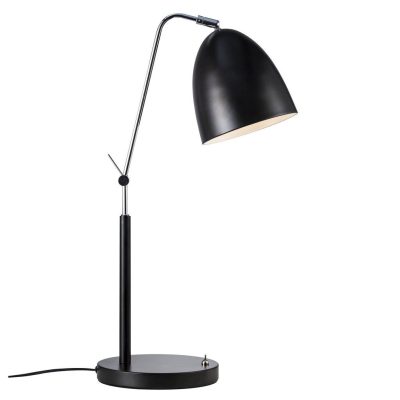
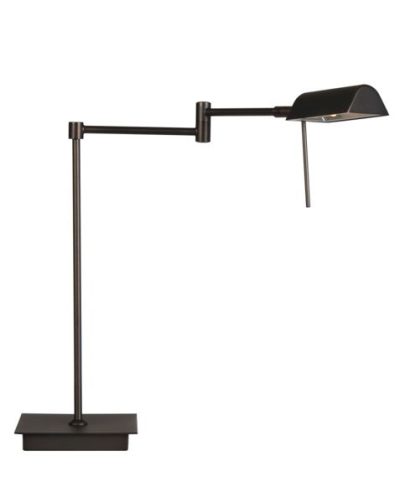
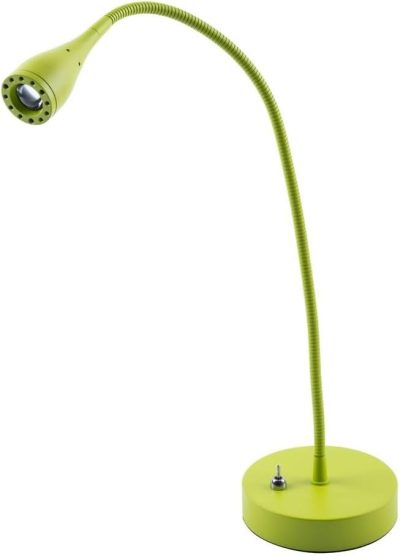
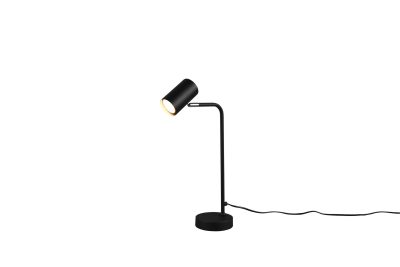
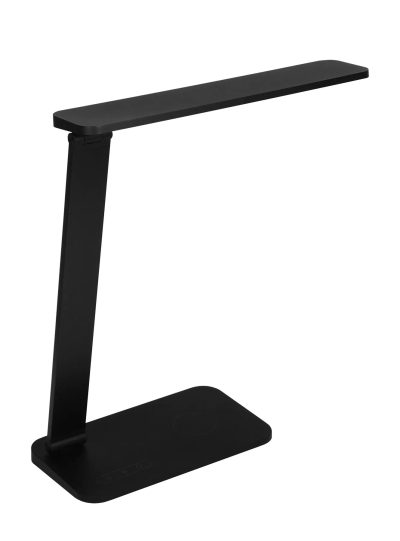 Fantasia Quonos desk lamp with wireless charging
The Fantasia Quonos delivers 780 lumens at 3000 K and is dimmable: enough reserve to bring a work surface of 80 × 50 cm to 500 lux, with wireless charging. €89.10
Fantasia Quonos desk lamp with wireless charging
The Fantasia Quonos delivers 780 lumens at 3000 K and is dimmable: enough reserve to bring a work surface of 80 × 50 cm to 500 lux, with wireless charging. €89.10
Long pendant lights above a fixed workstation
View allFrom 114 to 122 cm long, for a desk of 140 to 180 cm.
Frequently asked questions
How do I measure how many lux fall on my desk?
With a lux meter, laid flat on the work surface. Smartphone apps give a rough indication, but vary depending on the phone’s sensor. Measure at the time you normally work, with the lights on that you use then.
How far from the screen does a desk lamp go?
Place the lamp next to the screen, on the side opposite your writing hand (on the left for right-handers), and aim the head at the desktop in front of you. That way the light falls on the paper and is not reflected in the screen.
Is daylight enough for a home workstation?
During the day at a window, daylight is often more than enough and also the healthiest source. But daylight changes with the weather and the season, and in winter you work in the dark in the morning and late afternoon. A desk lamp and general light make up for that.
Is a 6500 K lamp better for staying awake?
Cooler light has a stronger effect on the biological clock, but what counts is the amount of light that reaches your eyes. During the day, a lot of light helps, preferably daylight. In the evening, cool, bright light works against your sleep. For most home workstations, 3000 to 4000 K is a good balance.
Sources
- licht.forum 60: Leitfaden DIN EN 12464-1:2021-11, Beleuchtung von Arbeitsstätten in Innenräumen, licht.de (ZVEI) (2024)
- Werkplekken: hoe kan men de normen NBN EN 12464-1 en 2 volgen?, Buildwise (WTCB) (2017)
- De toelichting over de verlichting van de arbeidsplaatsen is aangevuld met richtlijnen van goede praktijk, FOD Werkgelegenheid, Arbeid en Sociaal Overleg (2013)
- Licht für Wohnräume (presentatie bij licht.wissen 14), licht.de (ZVEI) (2020)
- Wohnzimmer: Licht für den Wohnbereich (lichtbehoefte en leeftijd), licht.de (ZVEI)
- Recommendations for daytime, evening, and nighttime indoor light exposure (Brown e.a.), PLOS Biology 20(3): e3001571 (2022)
- Regulation (EU) 2019/2020 laying down ecodesign requirements for light sources, EUR-Lex (2019)